Tips in the blog
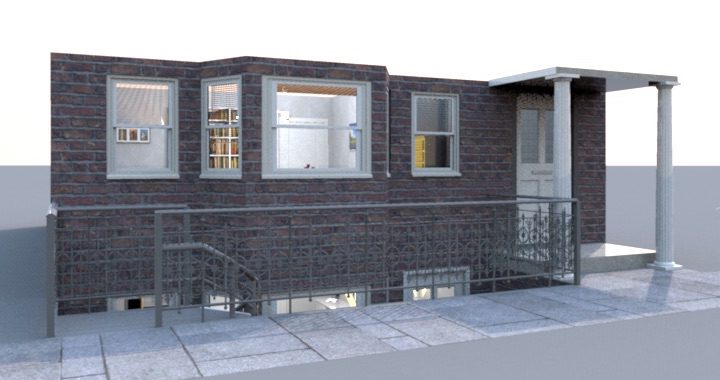
This tip explains how to add a basement to your design with a level at a negative elevation.
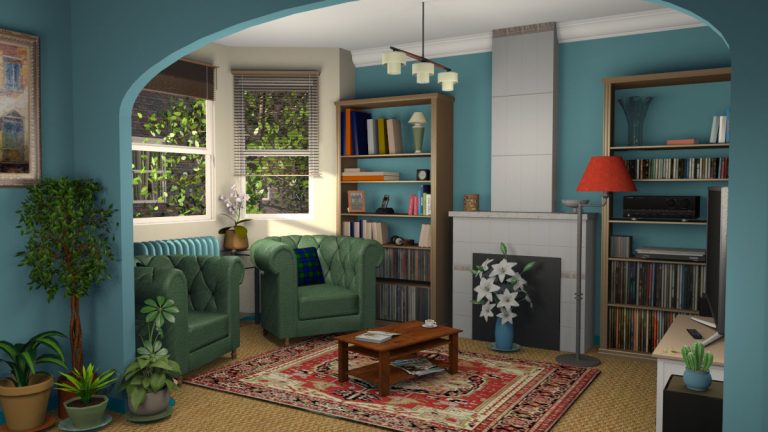
Sweet Home 3D 6.3 was released yesterday with a few improvements and some bug fixes.
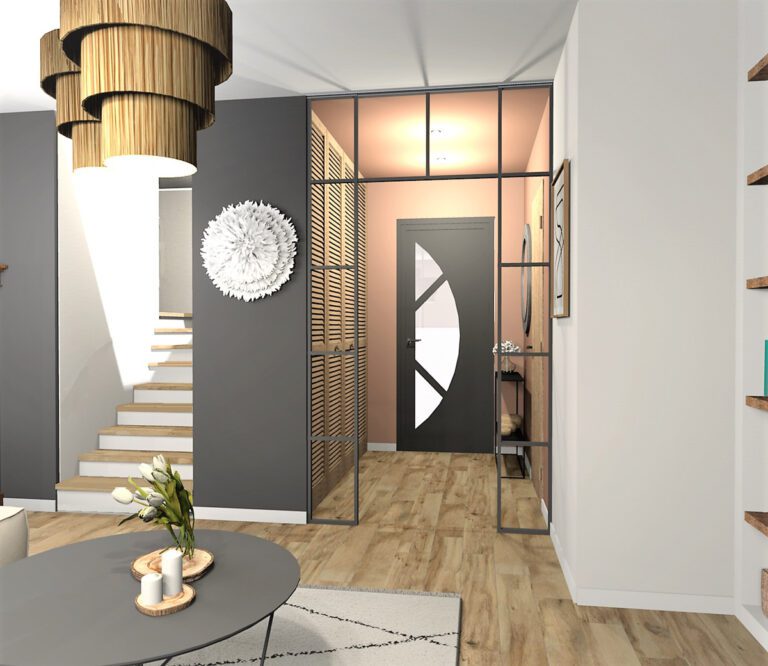
Sweet Home 3D 6.2 was released yesterday to fix some bugs, mainly in relation with groups management.
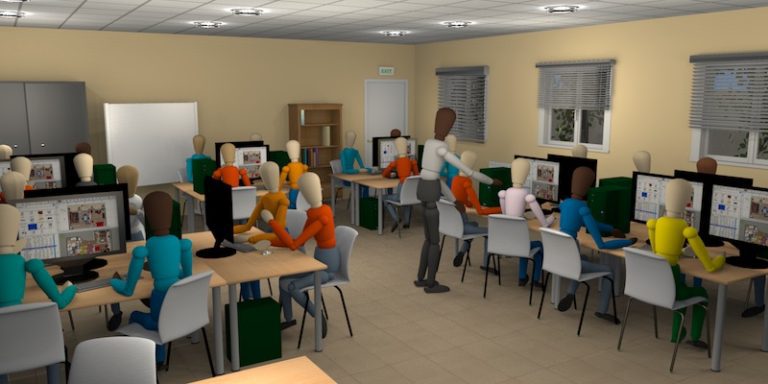
Sweet Home 3D is used in many schools in the world. Some French teachers kindly answered to our questions.
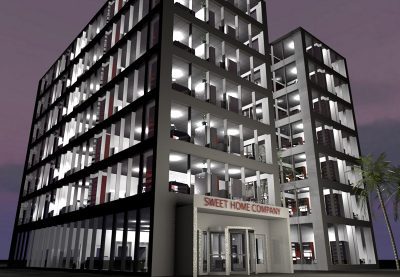
This article proposes several tips to create and optimize the design of large buildings.
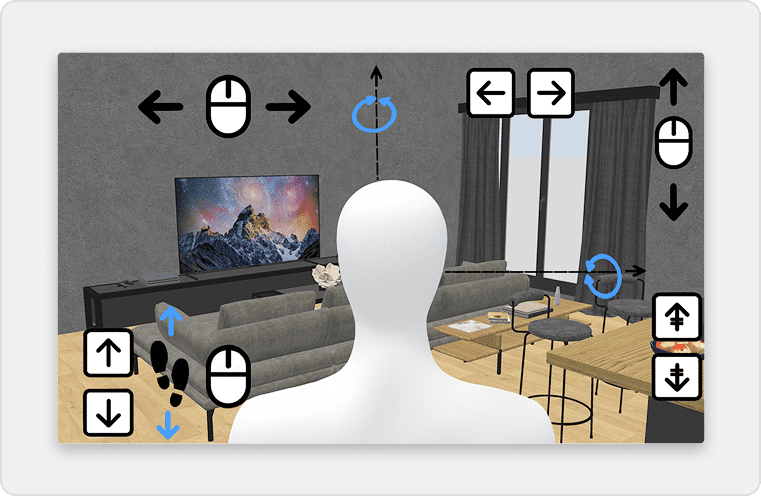
This tip presents how to design a split-level house, using Sweet Home 3D levels.
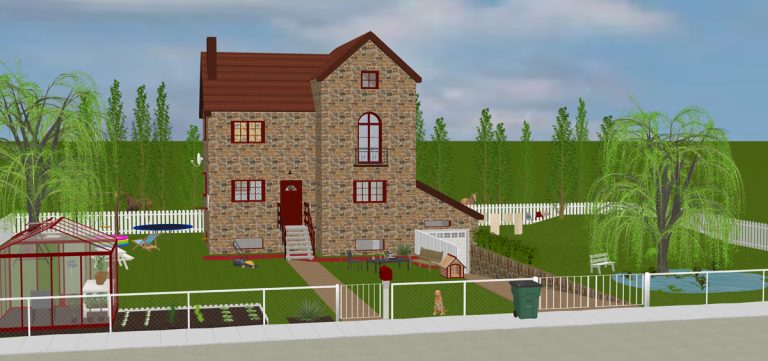
This article presents various tips to design a beautiful garden.
This tip proposes several ways to get nice 3D views of the interior of a house partly hidden by walls.
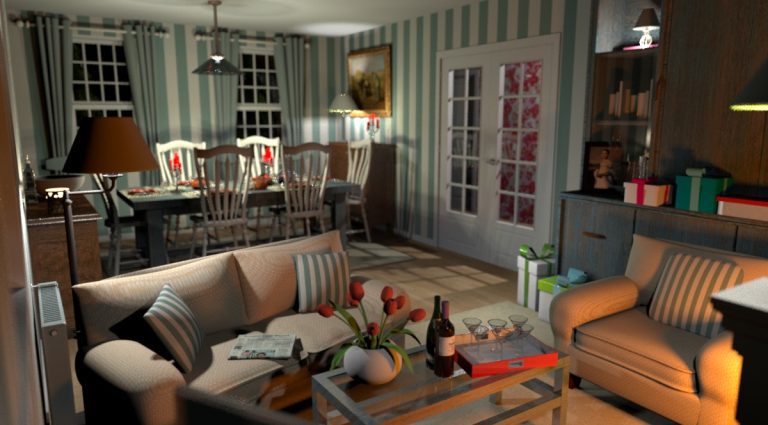
This tip gives some simple advice to get a pleasant and photorealistic rendering.
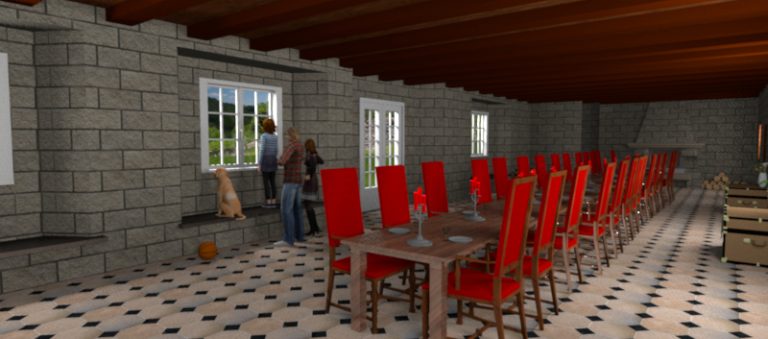
This tip shows how to design recesses in walls order to fit a door or a window in thick walls.
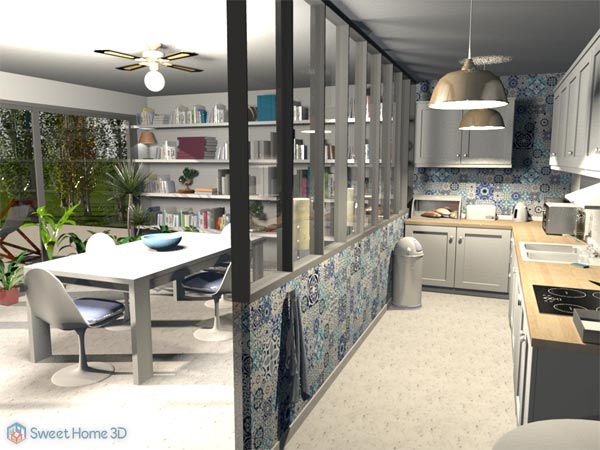
This tip shows how to customize the new staircases proposed in the Contributions furniture library 1.6.
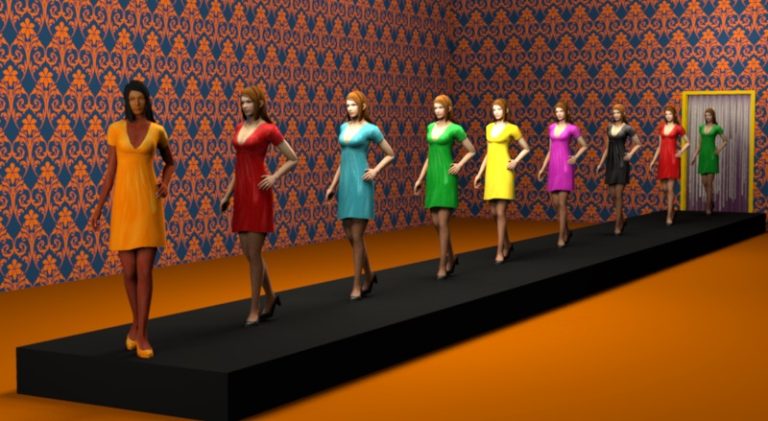
This tip shows how to change the colors of a texture with Gimp.
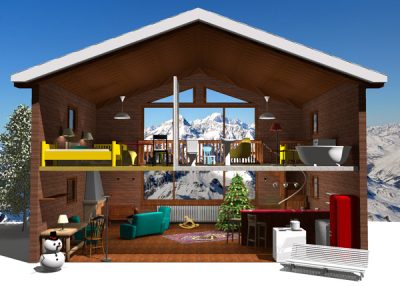
This tip shows how to display an image as a scenery around your home.
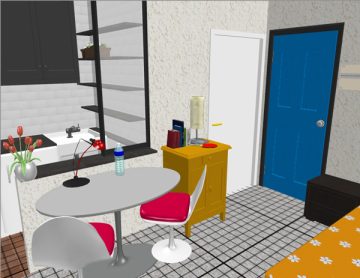
This three-in-one tip shows how to print a grid under your home and also how to display a grid in the 3D view.
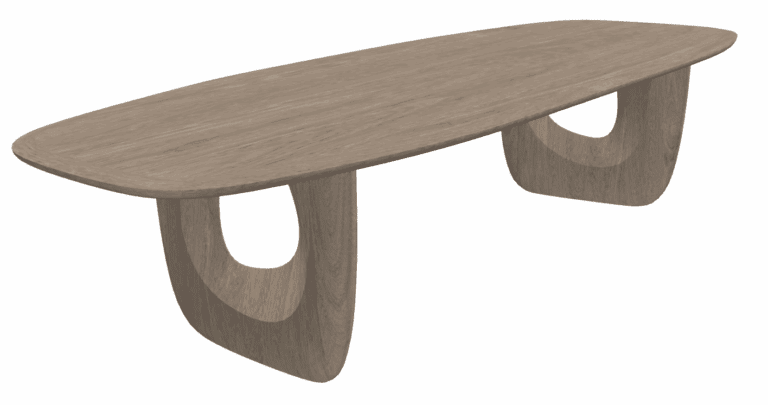
This tip shows how to design a mezzanine and reviews the differences between wall and room creation tools.
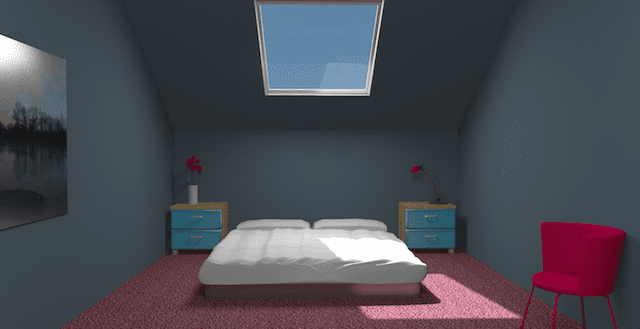
This tip shows how to design a sloping ceiling for a room under a roof.
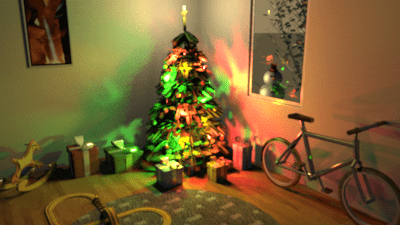
This tip shows how to get softer shadows in a scene designed with Sweet Home 3D.
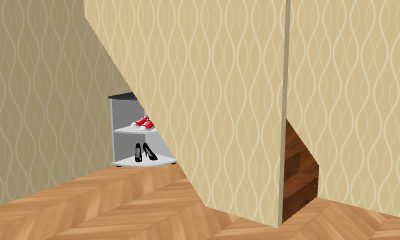
This tip shows how to create a hole at the bottom of a wall with Sweet Home 3D.
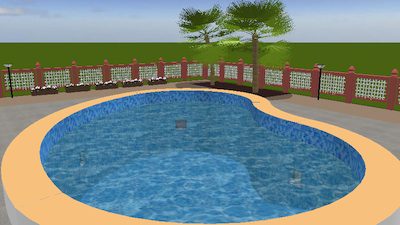
This tip shows how to design a nice buried swimming pool with Sweet Home 3D.
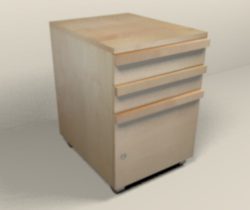
This first tip shows you various ways to apply textures on a box.


