How to make the most of your small house: 6 Tips for a Small House Design Plan
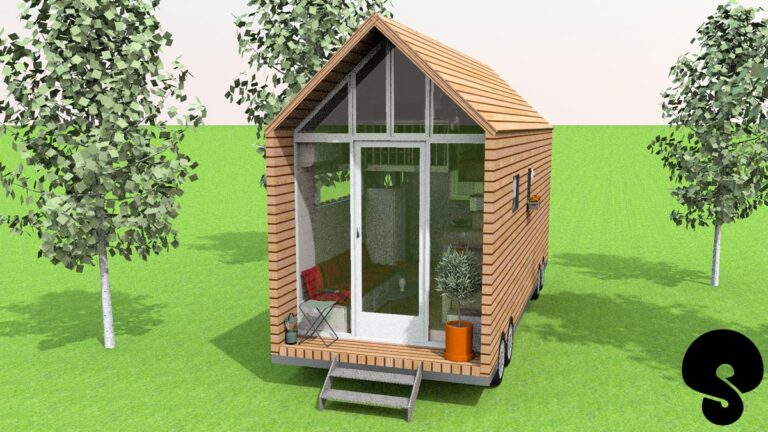
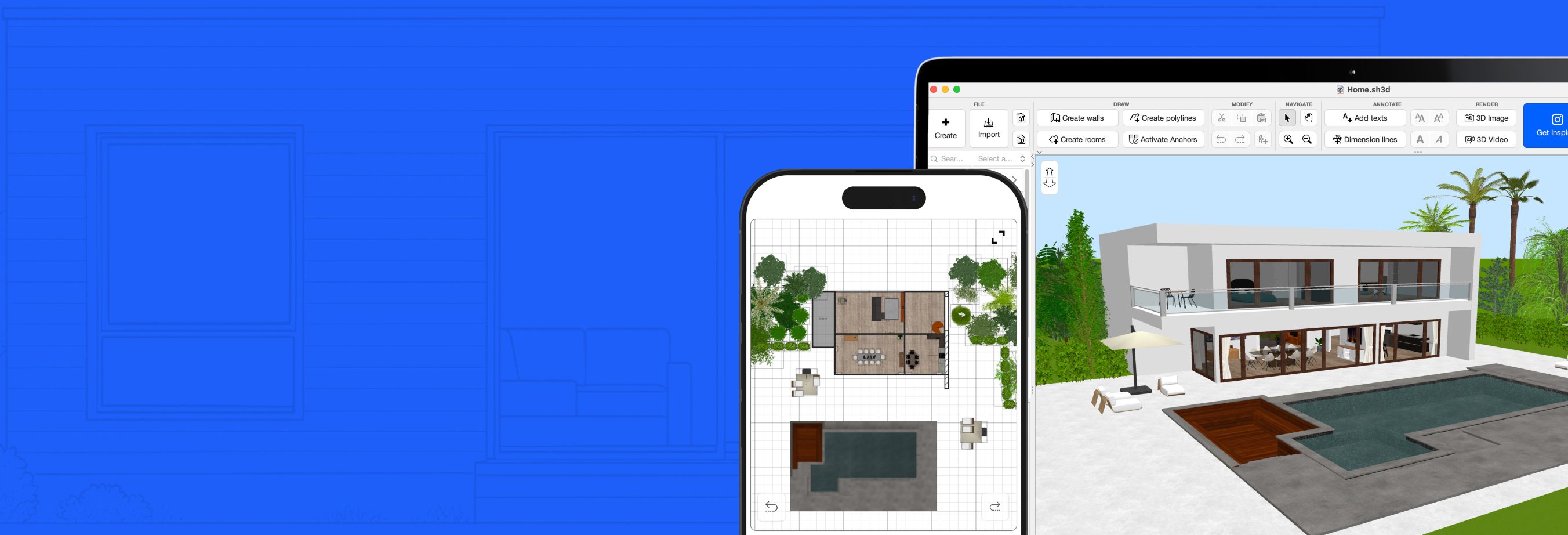
These days, in big cities living spaces can often be quite small, but it doesn’t mean that you have to sacrifice comfort and functionalities. When dealing with small house design plants, with smart design planning and strategic use of home decorating, more and more people are turning even the tiniest homes into an efficient and aesthetically pleasing space.Developing your small house blueprint with a 3D editing software like SweetHome3D before making any actual changes to your house can truly be crucial. SweetHome3D is a room design app that allows you to visualize how different layouts, furniture, and storage solutions will work in your space before you actually start working on your project in real life. So take the time to plan everything digitally beforehand, you’ll save both money and effort in the long run!
How to Use the Tape Measure Tool in Sweet Home 3D for Accurate Planning
The Perfect Companion App for Sweet Home 3D
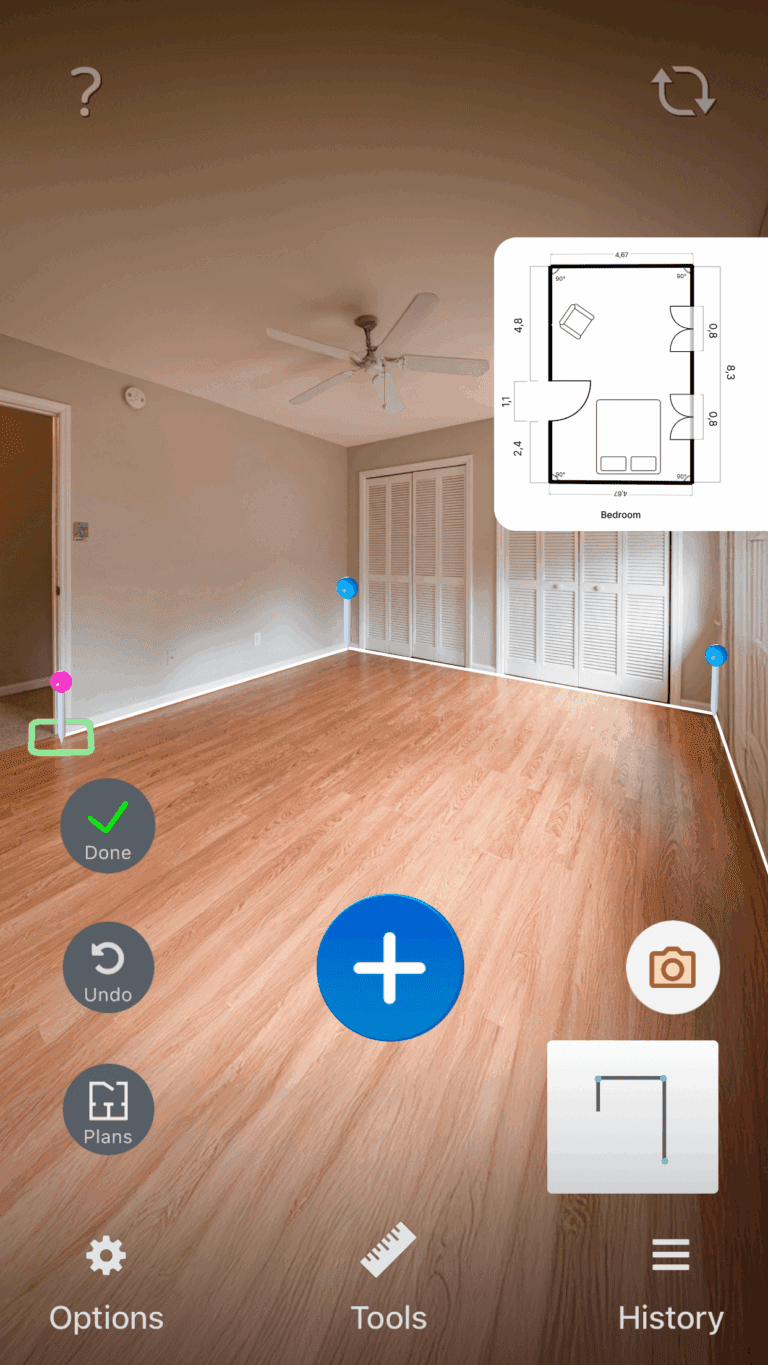
We’re excited to announce a brand new tool that will take your interior design experience to the next level — Tape Measure, now available on iOS and bundled with our interior design software Sweet Home 3D.
Download Tape Measure for iOS now here: https://apps.apple.com/us/app/tape-measure/id1437807477
Tape Measure is a powerful, easy-to-use iOS app that allows you to take precise and accurate measurements with just a few taps, making it extremely easy and fast to get the dimensions you need.
New 3D Models Update (2025): Download the Latest Designs
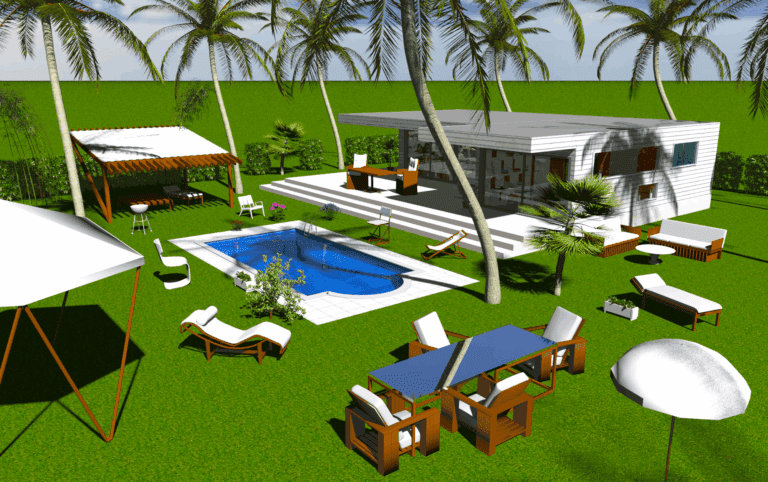
Enjoy 20 new outdoor models on SH3D Store versions and get ready for many more to come!
We’ve been working to enlarge and improve our furniture catalog and we’ve just added 20 brand new outdoor models to Sweet Home 3D MacOS and Windows Store versons!
Help Us Improve Sweet Home 3D: Share Your Feedback and Ideas
Sweet Home 3D people survey
Hello Sweet Home 3D Community!
We’re working on enhancing Sweet Home 3D, and we would love to hear from you! Your feedback is invaluable to us in understanding how you use the software and identifying areas for improvement.
Please take a few minutes to complete our survey and share your thoughts with us.
? Survey Link: https://forms.gle/W5rdFBypjYH2hp8F8
Whether you’re a long-time user or just getting started, your input will help shape the future of Sweet Home 3D. Thank you for helping us make Sweet Home 3D even better!
What’s New in Sweet Home 3D 7.5: Features and Models by Space Mushrooms
Sweet Home 3D 7.5 was released today to fix minor bugs and to announce Sweet Home 3D taking over by Space Mushrooms.
Sweet Home 3D 7.4: Explore the Latest Features in This Interior Design Update
Sweet Home 3D 7.4 was released today to fix some important bugs.
Sweet Home 3D 7.3: What’s New in the Latest Interior Design Software Update
Sweet Home 3D 7.3 was released today to fix various bugs.
Sweet Home 3D 7.2: New Features and Updates in the 2023 Release
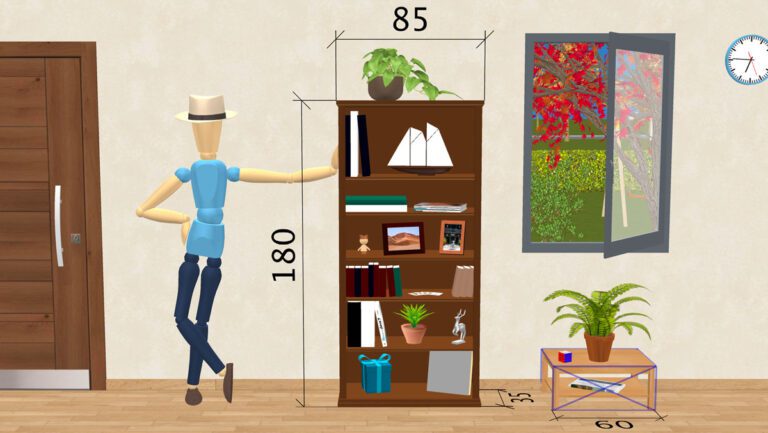
Sweet Home 3D 7.2 was released on September 22, 2023 with new features like a dialog box to modify dimensions, dimensions in the 3D view, elevation dimensions, shelves management, preset postures for mannequin, direct editing in the 3D view.
Introducing the Sweet Home 3D Mobile App: Design Floor Plans on the Go
Sweet Home 3D Mobile is finally available for iOS and Android. You can now view and edit your plans everywhere!

Start using Sweet
Home 3D now
You may download Sweet Home 3D to install it on your computer, smartphone or tablet and/or use it online within your browser:
for Windows/macOS/Linux/iOS/Android
with any WebGL browser